Mykonos Island Voxels
Play:
About:
Place terrain, plants, props, water and buildings on an isometric grid to build a whitewashed, sun-bleached Mediterranean scene, in the vein of a much smaller Townscaper. There is no goal, no timer and no failure state — just a fixed catalogue of hand-picked assets and a save slot. Every tool (place, fill, erase, pan, grid toggle, save, reset) is a real on-screen button as well as a keyboard shortcut, and the core placement, brush-drag, long-press-erase and pinch-zoom gestures were built for touch first rather than adapted from a mouse afterwards.
Credits:
Made by boona13 (GitHub), 2026. Published here under the MIT licence. Source code.
Rate this game:
Play next:
Hexahedral
Tap an adjacent cube to slide it and reach the goal tile before you run out of moves — 30 levels across three difficulties.

Boxed In
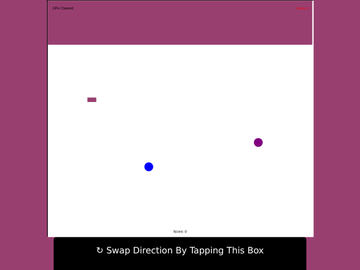
Wall off empty sections of the board to trap bouncing balls before an unfinished wall gets struck — a from-scratch rebuild of a classic 90s area-denial puzzle, with dedicated touch controls.
Chess
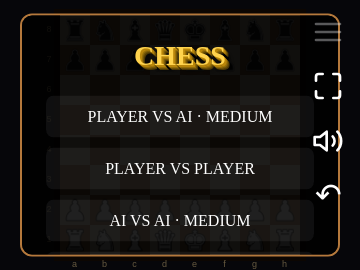
A clean, fully-featured chess implementation from the LittleJS engine's own author — AI opponent, local pass-and-play, and tap-to-move touch controls confirmed working end to end.
Civis
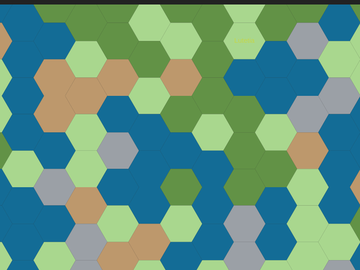
Build cities, research technology, and manage diplomacy on a hex grid against up to three AI opponents, in this open-source Civilization-style 4X.
Tags:
builder · sandbox · isometric · relaxing · creative · browser game · free · open-source